







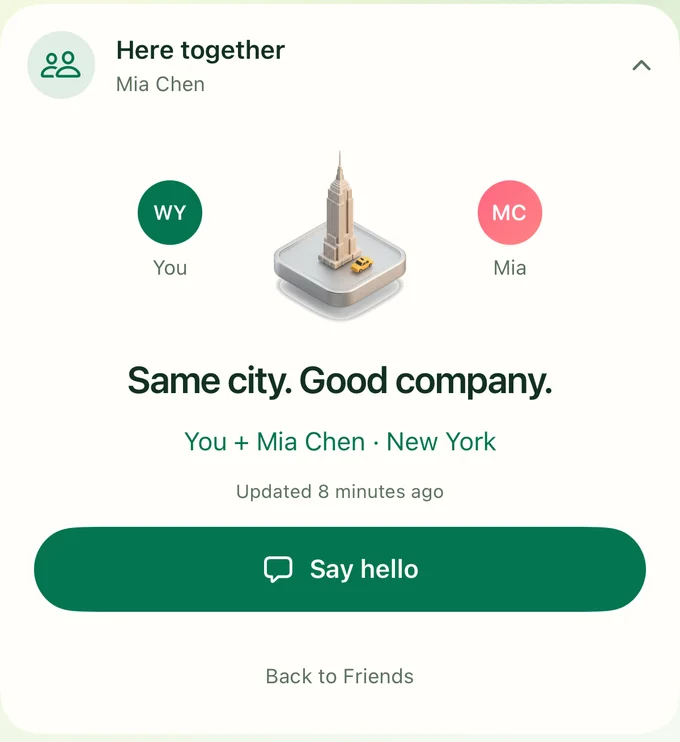
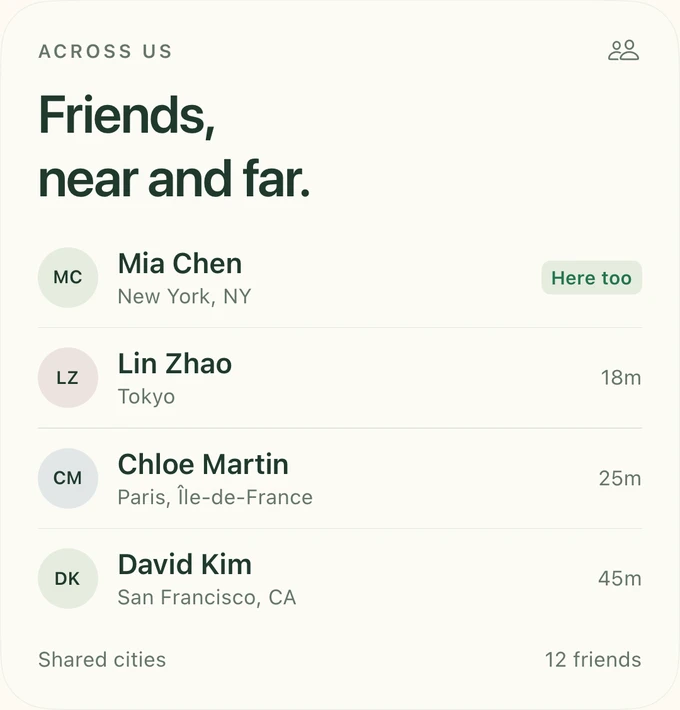
Same city, same time. See who’s in town with you, and choose who can trigger the alert.
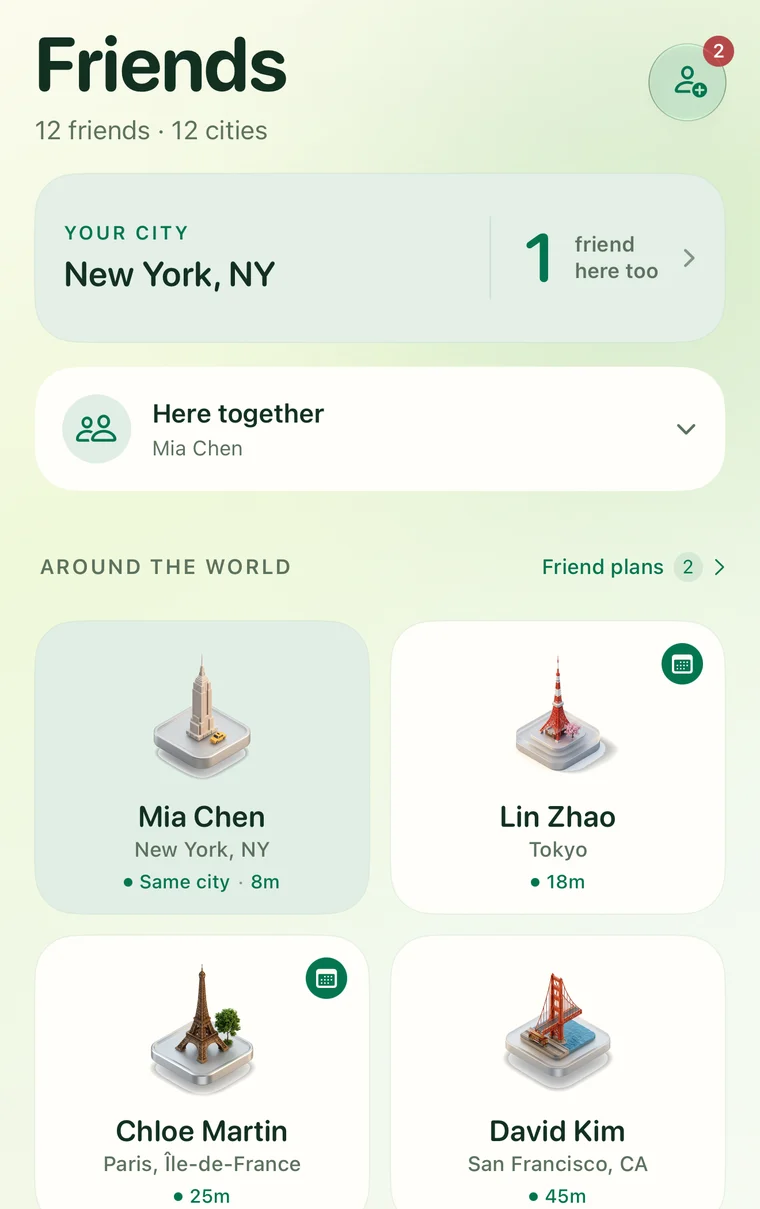
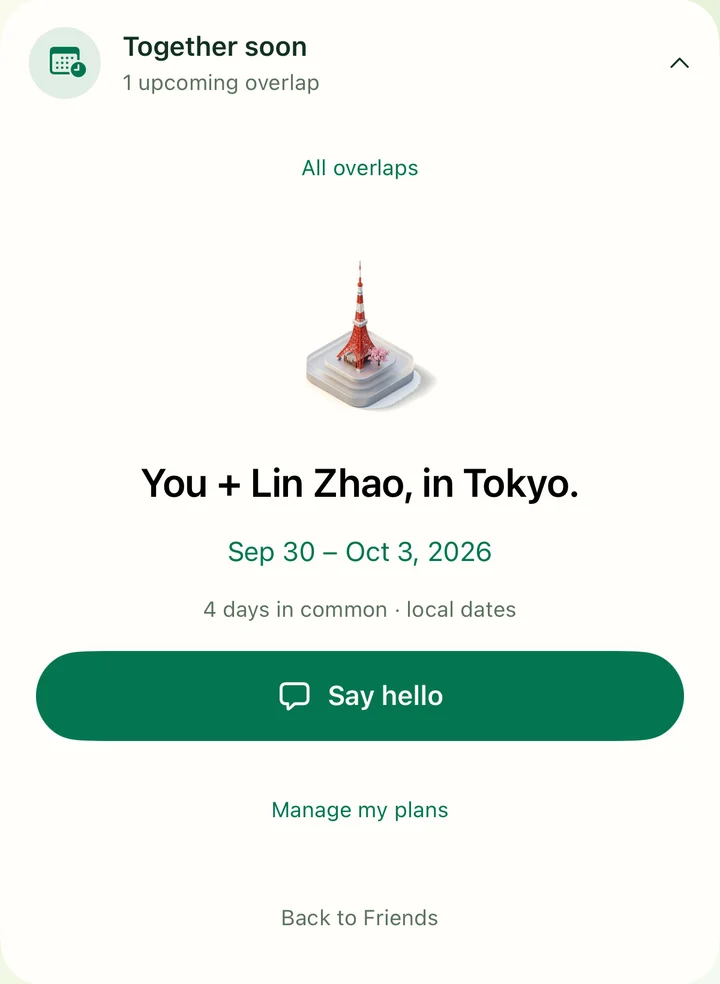
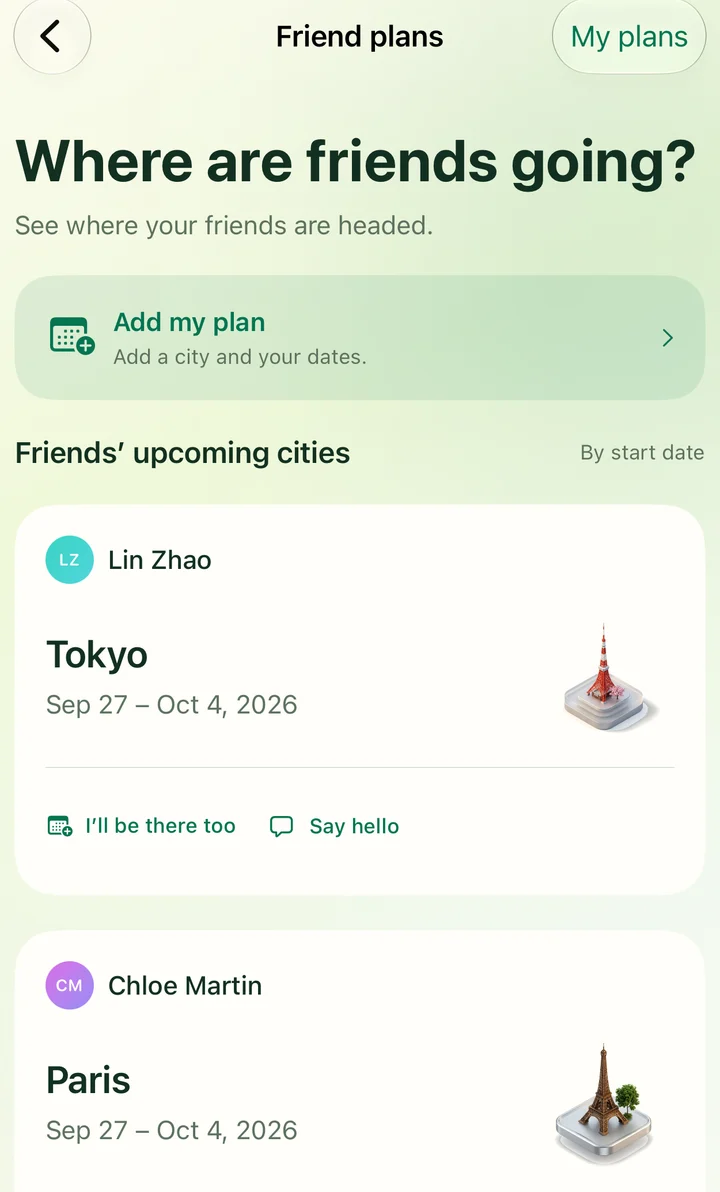
See where friends are now and where they’ll be next. Share cities, find overlapping plans, and bring a group trip together.
Download on the App StoreEvery city gets its own landmark.
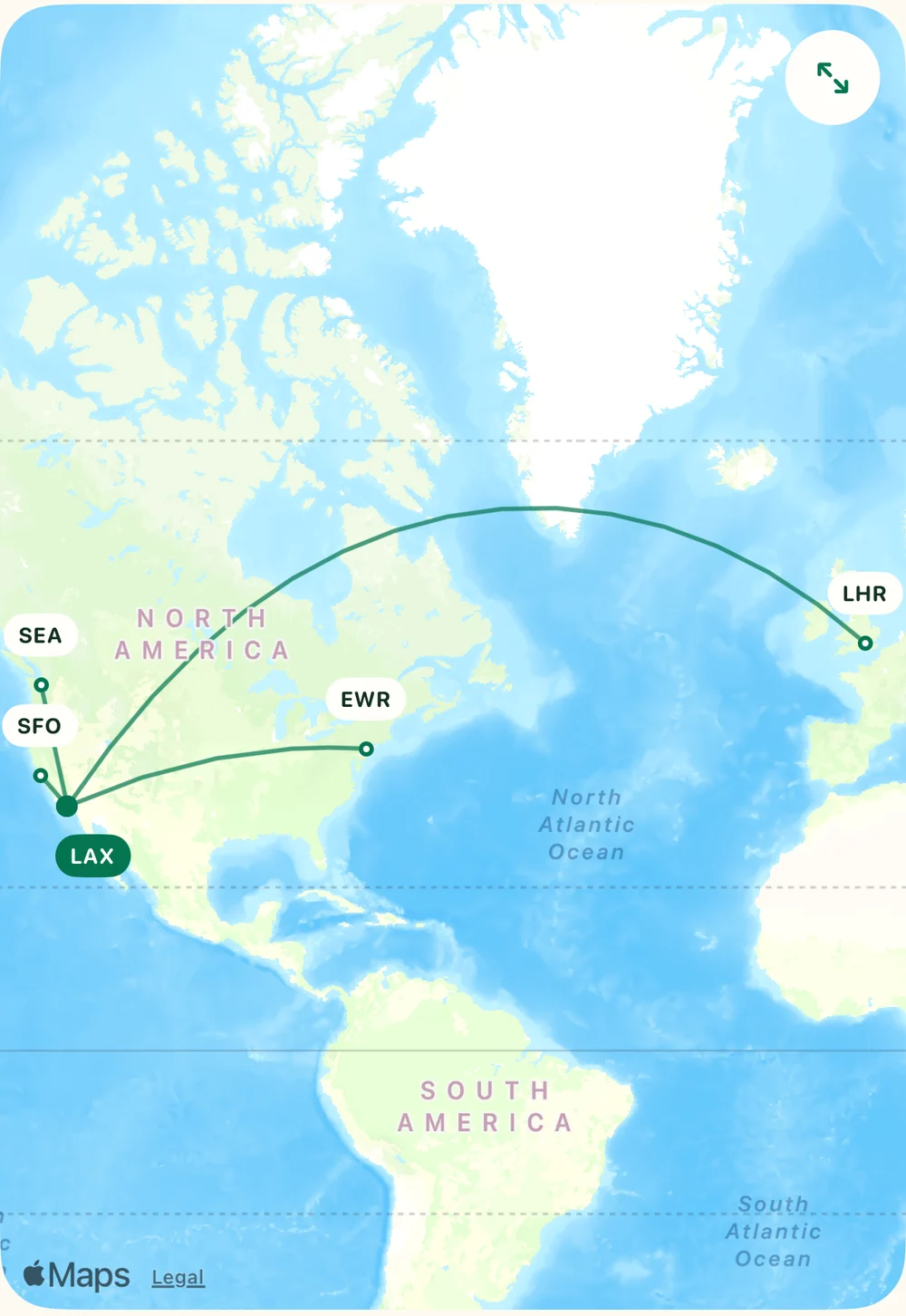
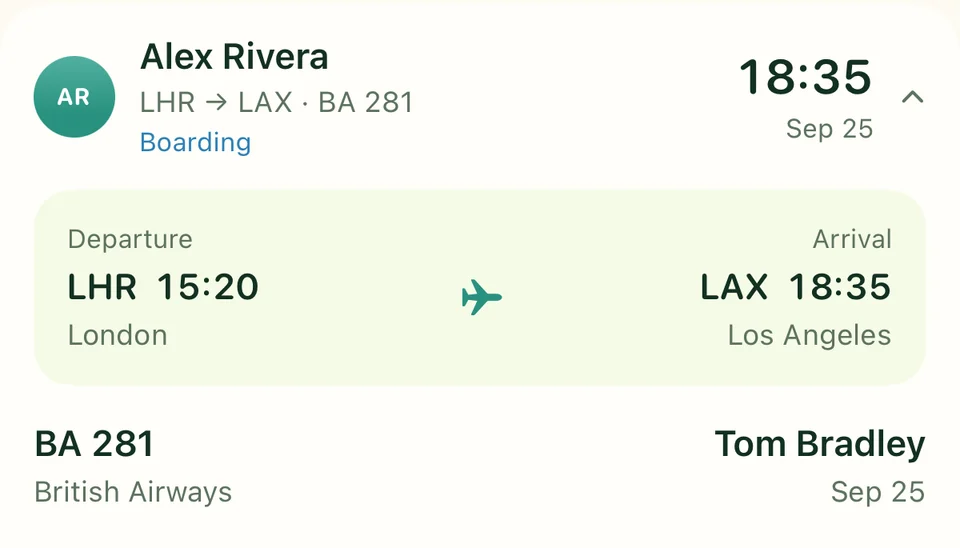
Tap a flight for departure and arrival times, airline, terminal and status. Each traveler manages their own flights.
Choose flight-change alerts and morning reminders to add flights. Remind a friend who hasn’t added their outbound flight.
Members can leave a Trip. The creator can remove members or delete the shared Trip.
A plan is your future city and travel dates, shared with selected friends. A Trip is a shared journey with a destination, members and everyone’s flights.
Your shared city and its last update, plus the plans you choose to share with them. You can change who sees your updates, pause city sharing, or remove a friend.
Yes. Edit or delete personal plans, manage your own flights, and choose which trip reminders and alerts you want. Leaving a Trip also stops its alerts for you.
Cities show the latest shared update. Notifications depend on your settings and device permissions. Flight information refreshes periodically; check final travel details with your airline.
Download Across Us for iPhone, sign in with Apple, and add a friend by username or invitation link. Share a city or your next plan, then invite the people you want to see along the way.
Your friends are out there. Make room for the next hello.
Download on the App Store